
cPanel on NVMe Singapore Web Hosting
Give visitors in Singapore a quick site on NVMe servers, with cPanel, SSL at no charge, one-click app installs and help at any hour, plus short response times for readers in Singapore and close by.
cPanel included
Run your Singapore site from the cPanel control panel most hosts use.
NVMe storage
Pages load faster from NVMe SSD storage.
SSL at no cost
HTTPS encryption on every site you host.

Web Hosting Plans for Singapore
cPanel on enterprise NVMe for Singapore sites, with the same plans and prices we offer in every region. Change the billing term to see the lowest rate.
Starter
+6 months free
£34.00 + 4.96% processing fee billed today for 3 years
42 months for the price of 36, about £0.81/mo
Renews at £34.00 every 3 years
Smart
+6 months free
£70.00 + 4.96% processing fee billed today for 3 years
42 months for the price of 36, about £1.67/mo
Renews at £70.00 every 3 years
Business
+6 months free
£140.00 + 4.96% processing fee billed today for 3 years
42 months for the price of 36, about £3.33/mo
Renews at £140.00 every 3 years
Enterprise
+6 months free
£245.00 + 4.96% processing fee billed today for 3 years
42 months for the price of 36, about £5.83/mo
Renews at £245.00 every 3 years
Enterprise NVMe with CloudLinux limits per account and no setup charge on all four plans. Prices exclude Payment Gateway Processing Fees (4.96%), added at checkout. Identical plans and pricing apply in India, France, Poland and Canada. 30-day money-back guarantee.
Audience mainly in India rather than Singapore? These same plans also run from Mumbai: head to our web hosting in India page.
Reasons to Host Your Site for Singapore
Secure cPanel hosting set up for Singapore and the wider Asia-Pacific region
cPanel Control Panel
Look after domains, mailboxes, files, databases and SSL from one cPanel dashboard.
Low Latency for Singapore
Machines configured for short load times and a smooth ride for people browsing from Singapore.
SSL and Migration at No Cost
Each site gets free SSL, and we bring your current website over for free.
One-Click Installs, 24/7 Help
WordPress, Joomla and 400+ more apps install with a click, and experts are on hand day and night.
Who uses Singapore web hosting?
NVMe cPanel hosting for audiences in Singapore, whatever kind of site you run.
Businesses serving Singapore
Win customers in Singapore with pages that open quickly and hold their own in local search.
Bloggers and writers
Start a WordPress blog in one click on cached NVMe storage.
Online shops
Sell through WooCommerce, OpenCart or PrestaShop on quick, well-protected machines.
Agencies and developers
Run a portfolio of sites with cPanel, per-domain PHP and free moves from other hosts.
Why choose Hostripples for hosting in Singapore
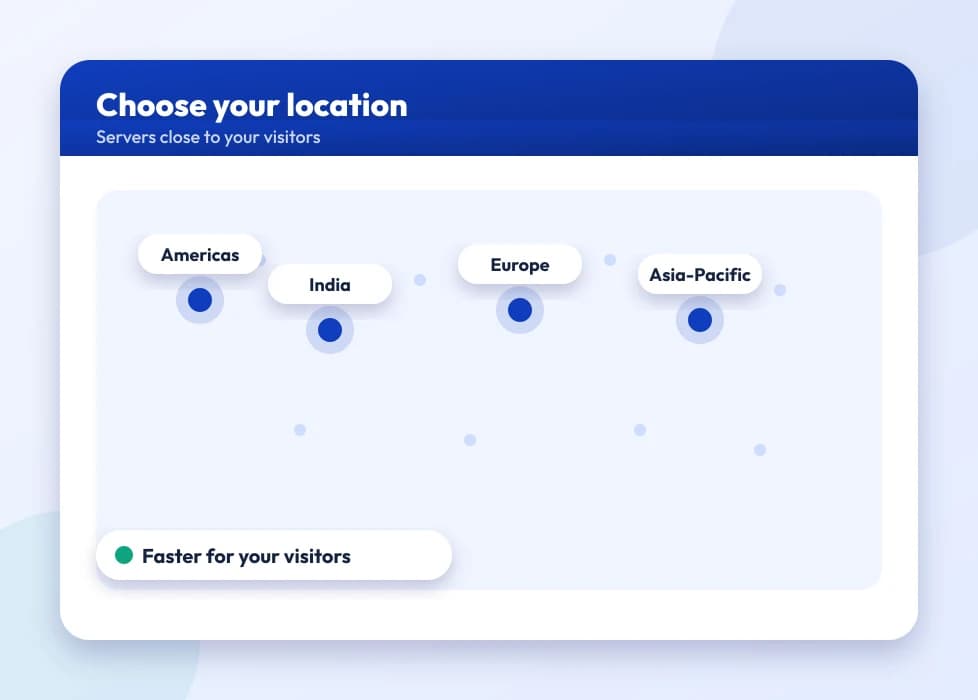
Built for Singapore visitors
Placing your site near its Singapore audience keeps load times short and Core Web Vitals looking good.
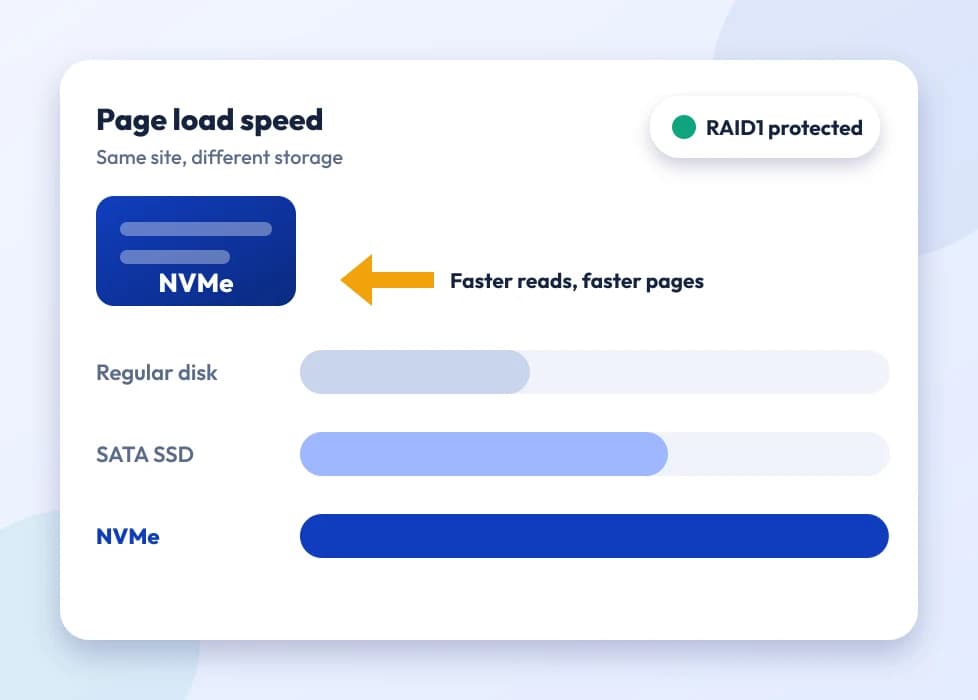
NVMe SSD and LiteSpeed
Flash disks plus LSCache deliver pages several times quicker than old spinning-disk hosting.

cPanel, SSL and email included
The standard control panel, SSL on every domain and email at your own domain.
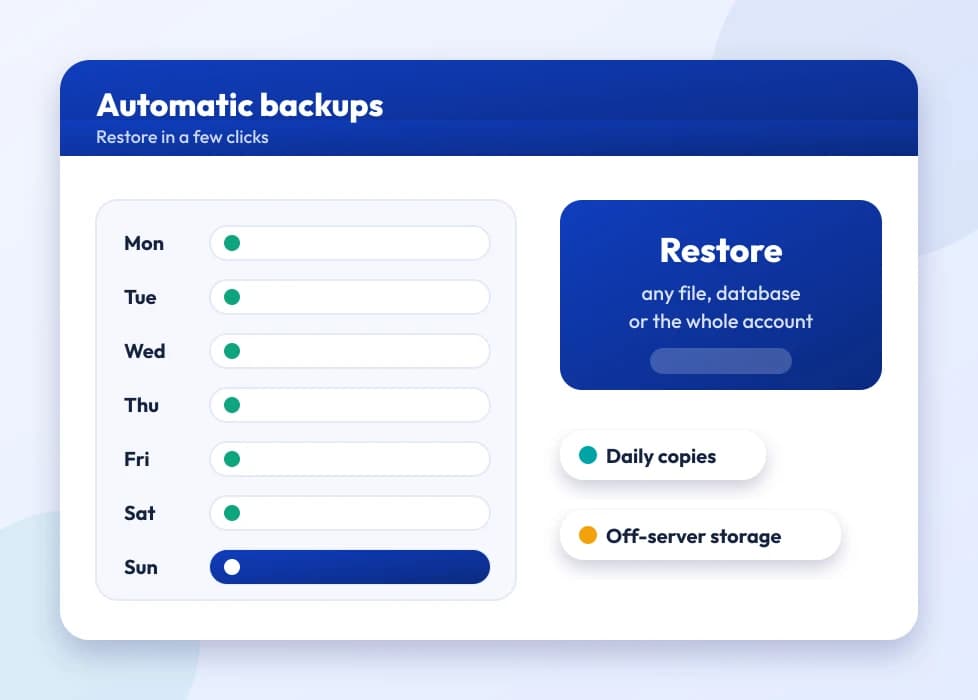
Security and backups
Accounts kept apart by CloudLinux, malware removed by Imunify360, and a JetBackup copy made each day.
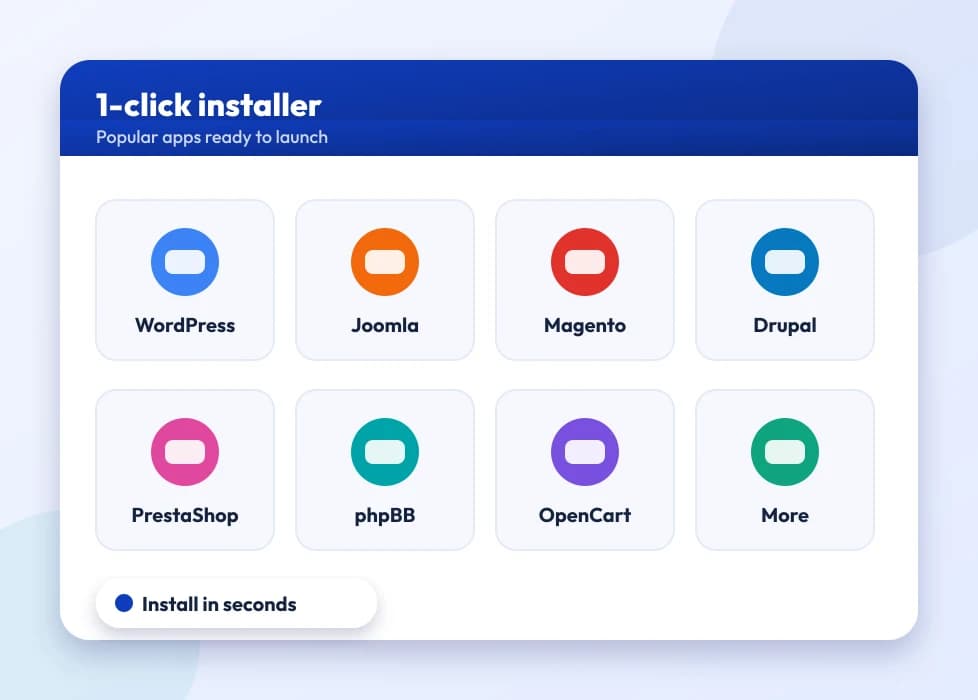
400+ apps in one click
WordPress, Joomla, Magento and hundreds of others, installed with one click.

Support 24/7
Real people on chat, ticket and email; plans begin at £0.94/mo.
Starter, Smart, Business or Enterprise: picking a Singapore plan
These plans suit sites that are mostly content: a company site, a portfolio, a blog, a clinic, a restaurant or a small WooCommerce shop with steady traffic. Your account shares a server with others, but CloudLinux gives each account enforced limits of its own, so nobody else can take your share.
- Starter: 5 websites, 10 GB NVMe, 1 CPU core and 1 GB RAM. Right for one small site.
- Smart: 20 websites, 30 GB NVMe, 2 cores and 2 GB RAM. Our pick for a business site with a blog and a staging copy.
- Business: 50 websites, 75 GB NVMe, 3 cores and 3 GB RAM, for agencies with several client sites.
- Enterprise: 200 websites and 150 GB NVMe inside one 4-core, 6 GB RAM allocation.
Start with the plan that fits today. You can move up from your client area later, and your site and data stay where they are.
What makes a Singapore site load quickly
How fast a shared site feels comes down to three things: how quickly the server builds each page, how much of that work it can skip, and how far the data has to travel. NVMe storage and LiteSpeed Enterprise deal with the first, LSCache with the second, and hosting near your Singapore audience with the third.
- NVMe storage answers database and file requests much faster than older disks, which shows on busy WordPress dashboards and product searches.
- LiteSpeed Enterprise serves requests efficiently and works hand in hand with LSCache.
- LSCache keeps ready-made copies of your pages, so most visitors are served without PHP running at all.
On WordPress, install the LiteSpeed Cache plugin, turn on page caching and compress your images. Those three steps make the biggest difference on most sites.
The layers behind every Singapore account
What protects and speeds up each shared plan
Imunify360
Firewall rules, malware scans and automatic clean-ups protect each account, with no software for you to add.
CageFS isolation
Each account sits in its own sealed area, so nobody else on the machine can open your files.
Daily JetBackup
A copy is taken automatically each day, ready to bring back a single file, a database or an entire account through cPanel.
KernelCare
Security updates to the kernel are applied live, so the machine never has to wait for a restart window.
LiteSpeed and LSCache
LiteSpeed serves pages and LSCache stores ready copies, so WordPress and WooCommerce stay snappy on a single server.
Keeping your site secure: our part and yours
Shared hosting picked up a poor reputation years ago, when one hacked site could infect the rest of a server. The stack on these plans is designed to prevent that, and it helps to know what each layer does.
- CloudLinux with CageFS locks each account into its own file system, so a compromised neighbour cannot see your files.
- Imunify360 runs a web application firewall, scans for malware and cleans infected files automatically.
- KernelCare patches the server kernel while it keeps running.
- Free SSL encrypts traffic between your visitors and the site.
Some things remain yours to handle: keep WordPress, themes and plugins up to date, use strong unique passwords with two-factor sign-in where you can, remove plugins you no longer use, and keep an off-site copy of anything you cannot afford to lose.
Business email for your Singapore domain
Each plan includes mailboxes on your own domain, from 25 on Starter up to 1,000 on Enterprise, so the whole team can use addresses such as hello@yourbusiness.com.sg in webmail or any mail app. It looks more professional, and it keeps you in control: your address stays the same if you change mail apps.
To help your mail reach inboxes, set up SPF, DKIM and DMARC records for the domain; cPanel's email deliverability tool shows what is missing. Keep these mailboxes for everyday business mail and send newsletters through a dedicated email-sending service.
How the free migration works
Moving your site is included on every plan at no charge, and letting us do it is usually the safest route. A typical move goes like this.
- Order your plan. Choose one that fits your current site; your old host's disk usage and number of sites are enough to go on.
- Tell support what to move. Open a ticket listing the sites, databases and mailboxes, and give us access to the old host or a full backup.
- We copy and check. We move the files, databases and email, then check the site works on our servers.
- Point your domain. Update the nameservers or DNS records; once the change has spread, visitors land on the new server.
Keep your old hosting running for a few days after the switch, in case anything needs checking against the original.
Serving visitors in Singapore and Southeast Asia
If your customers are in Singapore, hosting there is the obvious choice, and it also works well for visitors in neighbouring countries. A server in the same region as your audience usually responds faster than one on another continent, and Singapore is a major connectivity hub for Southeast Asia.
Singapore runs on SGT (UTC+8). If you manage the site from the UK, schedule updates and plugin changes for a time that is quiet for your visitors there, which will often be your evening.
Server location is only one part of reaching a local audience: a .sg or .com.sg domain, local contact details and content written for Singapore readers all count too.
Signs your Singapore site has outgrown shared hosting
A shared plan is a good starting point and a sensible long-term home for many sites. These are the signs it may be time to move on.
- Visitors hit resource-limit errors, or pages slow at busy times even with caching turned on.
- You need software cPanel cannot run, such as a background worker or a custom database service.
- You want root access to configure the server yourself.
- You expect big traffic spikes from campaigns or launches.
The next step is a VPS. Our SSD VPS is delivered within 2 to 3 days, so plan the move ahead of any launch. Before upgrading, check whether better caching or fewer plugins solve the problem first.
Singapore Web Hosting FAQs
What people ask about hosting a site for Singapore
Still have questions?
Our support team is available 24/7 by chat, ticket and email.
Ready to host your site for Singapore?
NVMe hosting near your audience in Singapore, with SSL included, a free move and help day or night.