

Skip to content
Hostripples

HOSTRIPPLES EMAIL

Professional Email Guide: Addresses on Your Own Domain

Swap a free address for a professional email address on your own domain. Spam and virus filtering, webmail, IMAP and POP, help moving your mail across.

Explore solutions
1Solutions
EmailCategory
One place

FIND YOUR FIT

All Email Solutions

1 solution to explore

Starting prices depend on the plan, billing term and availability. See each service page for full pricing and applicable taxes.

What Setting Up Email With Us Looks Like

A mailbox on your domain, with filtering and people to help, from day one.

Addresses that carry your own name

Use name@yourbusiness.co.uk or name@yourbusiness.com as soon as your domain's MX records point at us. There is no separate mail company to sign up with.
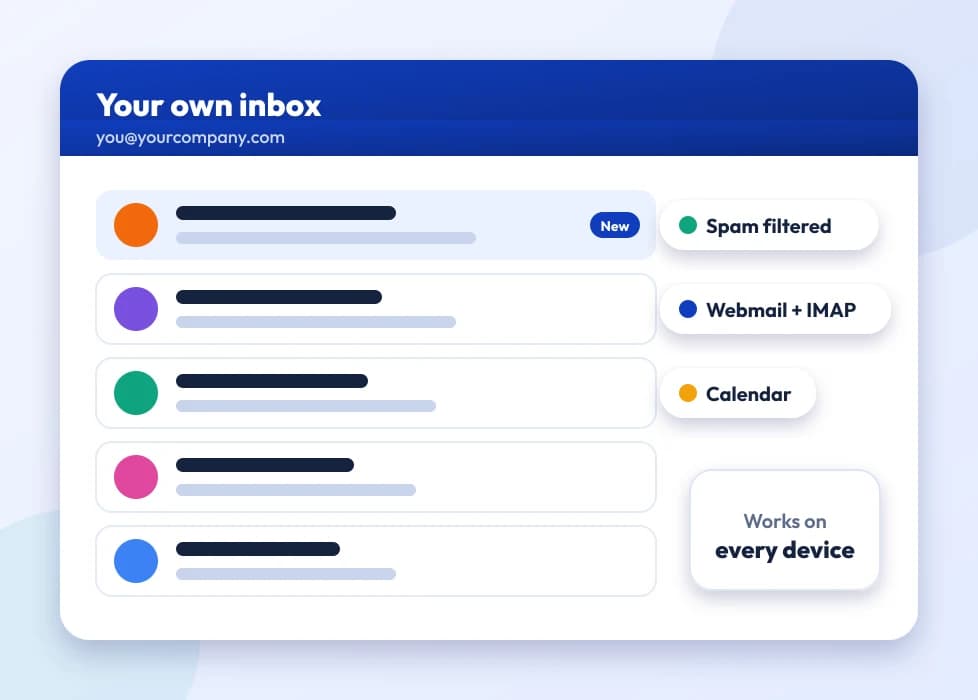
Inbox showing an address on a business domain

Spam and virus filtering on every mailbox

Filtering protects each mailbox from the start. It is not an extra you pay for, and there is nothing to remember to switch on after setup.
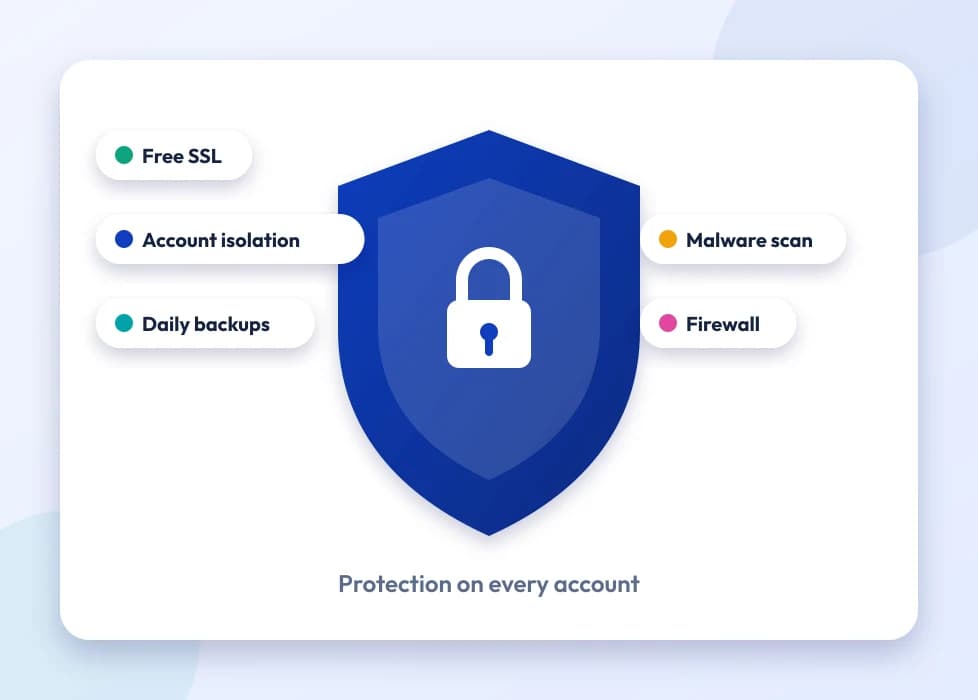
Shield symbol for spam and virus filtering

Webmail, IMAP or POP

Read mail in a browser with nothing to install, or add the account to the mail apps on your phone and computer, whichever suits the way you work.
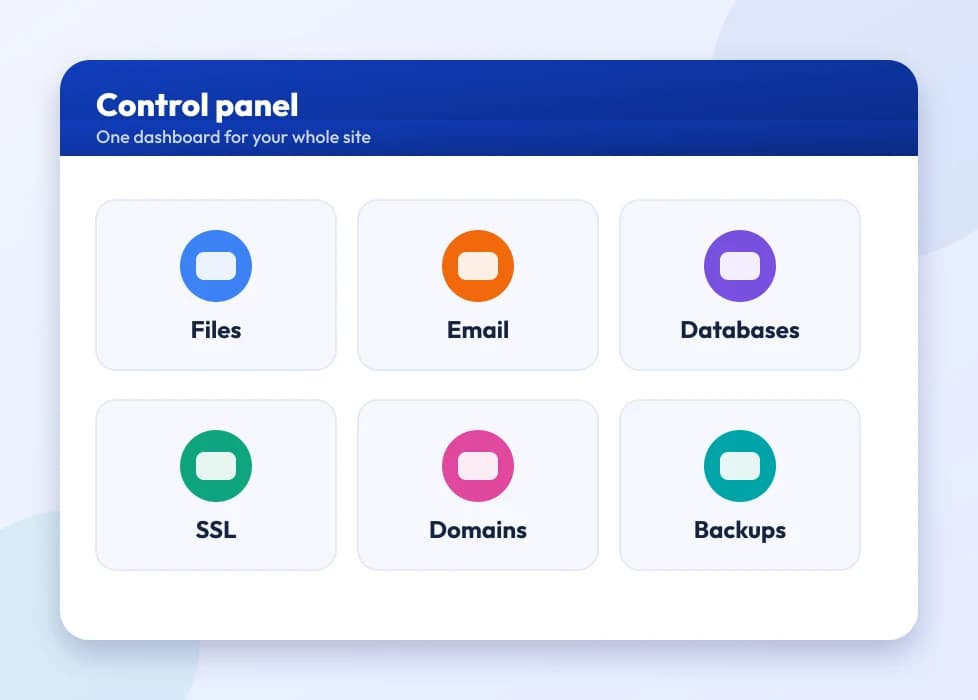
Panel for adding and managing mailboxes

Help with the move and the setup

Our 24/7 support team helps you move from Gmail or another provider, update DNS and MX records, and sort out messages that are not being delivered.
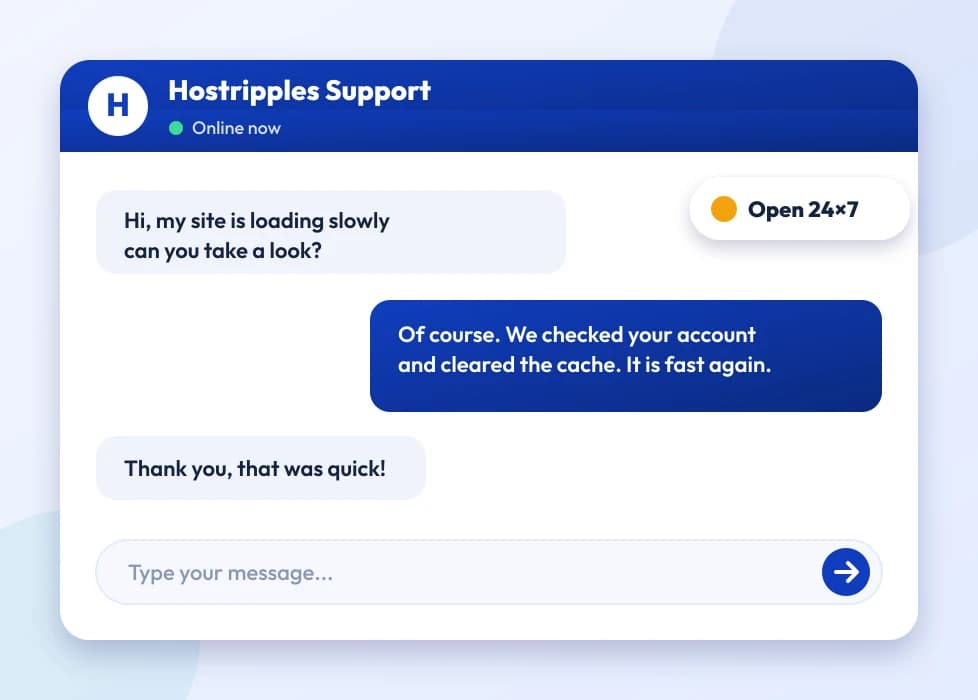
Support chat window with an agent replying
You don't have to become an email administrator. The mailbox, filtering and DNS records are dealt with as part of getting your plan running. The details below are for when you are comparing it with what you use now.

Why a Free Address Holds Your Business Back

Most growing businesses hit the same moment: a new client or supplier asks for your email, and replying with an address ending in a free provider's name feels smaller than the business really is. A professional address such as hello@yourbusiness.co.uk fixes that. It is a small change, but it shows on every quote, invoice and reply you send.

You own the address

An address on your own domain belongs to you, not to the company that provides the mailbox. If you change provider later, you keep the address and simply point your domain's MX records somewhere new. With a free account, leaving means telling every contact you have a new address.

Better delivery

Mail sent from a properly configured domain, with correct SPF, DKIM and MX records, is trusted more by the servers that receive it. A lot of genuine business mail ends up in spam because those records are missing or wrong. We set up the core records as part of getting your mailbox working.

Making the switch

For one mailbox on a domain that already points to us, the change usually takes less than a day: create the mailbox, check the MX records and start sending. Bringing across years of old mail takes longer, normally hours rather than days, and our support team can help with the steps for your current provider. Spam and virus filtering is included on every mailbox, and you can use webmail, IMAP or POP.

Prices are shown in pounds and exclude Payment Gateway Processing Fees (4.96%), added at checkout.

Who Benefits From a Professional Email Address?

Anyone whose emails speak for a business.

You don't need a big team to justify it. A sole trader sending an invoice from a domain address looks just as deliberate as a company of ten. These four groups make up most of the people who set one up.

Founders and owner-managers

Often the person who writes every customer and supplier email. A domain address costs very little and makes a one-person business look established from day one.

Small teams and start-ups

Everyone gets their own mailbox on the same domain, so every address your customers see follows the same pattern instead of a mix of personal accounts.

Freelancers and consultants

For a freelancer, email is often the shop window. A domain address on proposals and invoices earns a kind of trust a free address quietly chips away at.

Anyone whose mail keeps going to spam

If clients are not getting your replies, the cause is usually how your sending is set up, not their inbox. Correct SPF and DKIM records and a proper mail service behind your domain usually solve it.

Got Questions?

Professional Email Questions

Worth knowing before you leave a free address behind

A free address ends in the provider's name, such as gmail.com. Business email puts your own domain after the @ instead: you@yourbusiness.co.uk. As well as looking more professional, the address stays yours if you change provider, because it belongs to a domain you own rather than someone else's account.
It depends on the plan. The Business Email page shows the current range and live prices, as plans differ in the number of mailboxes and the storage each one gets.
Each plan sets its own allowance, usually several GB per mailbox, which is enough for years of normal business mail with attachments before you need to think about archiving. The plan details show the exact figure.
Yes. Add it to your phone's mail app using IMAP, which we recommend because it keeps your phone in step with webmail and your computer, or POP, which downloads mail to the device. You receive the server settings once the mailbox is set up.
IMAP leaves mail on the server and keeps every device in sync, so a message you read on your phone shows as read on your laptop. POP downloads mail to one device and, depending on the settings, may delete it from the server. If you check email on more than one device, choose IMAP.
Yes. Every mailbox is filtered automatically; there is nothing extra to buy and no setting to hunt for.
Usually you point your domain's MX records at our mail servers, then copy your old messages into the new mailbox over IMAP. The exact steps depend on where you are coming from, so our support team can go through them with you.
There can be a short changeover while DNS updates, usually well under a day. Make the switch at a quiet time and keep the old account open for a little while afterwards, and you are unlikely to notice any disruption.
Yes, that is what business email is for. Each person gets a mailbox on your domain, alongside shared ones such as sales@ or support@, all managed from one account.
An alias passes mail sent to one address into an existing mailbox, without storage of its own. It suits addresses such as info@ or sales@ that should reach a real inbox, or several, without you creating and paying for another mailbox.
A catch-all collects mail sent to any address at your domain, including ones you never created, and delivers it to one mailbox. It means you won't miss mail when someone guesses an address, but it tends to attract more spam, so weigh that up.
Generally less. Receiving servers trust mail from a domain with correct SPF, DKIM and MX records more than mail from a domain with missing or careless DNS, and poor DNS is one of the most common reasons genuine business mail is marked as spam.
They are DNS records that show your outgoing mail really is allowed to come from your domain, and receiving servers check them before trusting a message. We set up the core records when we get your mailbox working. If you also send through another service, such as a newsletter platform, it may need its own SPF and DKIM entries.
Yes. Autoresponders are a standard feature in your mailbox settings, in webmail or in the account control panel.
Either. Webmail opens in any browser with no setup at all, while a mail program using IMAP or POP keeps your inbox inside the apps on your phone or computer. Most people end up using both.
Mailboxes belong to the domain they were created on, so a new domain means new mailboxes and new addresses. Your old messages can be copied across over IMAP in the same way as a move from any other provider.
Yes. Email and website hosting are separate services. You can point only your domain's MX records at our mail servers while your website stays with another host, or the other way round.
For most private businesses there is no general legal rule that email must be stored in a particular country. Some regulated sectors, such as finance or public-sector work, may have their own data-handling requirements, so check what applies to your industry. This is general information, not legal advice.
Those are complete office suites, bundling email with file storage, documents, video calls and more, and they charge per user per month for all of it. Business Email is a focused, lower-cost mailbox on your own domain, which suits you if professional addresses are what you want rather than a full suite.
Yes, forwarding is a normal mailbox setting. Mail sent to you@yourbusiness.co.uk can be copied, or sent only, to a personal address. Bear in mind that replies from the personal account may show the personal address unless you also set up send-as.
Access to your mailboxes and stored mail depends on an active plan. Renew on time, or turn on auto-renew, so you never risk losing old messages, and treat an email renewal as seriously as a domain renewal.
Yes. Connecting a mail program such as Outlook or Thunderbird over IMAP and keeping a local copy gives you a backup of your messages away from the server, which is wise if you keep years of correspondence.
Sensible limits are in place, mainly to stop abuse and protect the mail server's reputation, which affects delivery for every customer. Normal business correspondence stays well within them. Bulk marketing mail is a different job, better handled by an email marketing service.
There is no coding. Pointing your MX records and creating a mailbox are a few clicks in the control panel, and if you would rather not touch DNS at all, our support team will do that part.
Each mailbox has a size limit for attachments on a single message, as every email provider does. For anything larger, sending a link to the file is more reliable than attaching it.
Mostly trust. Plenty of business customers, procurement teams and supplier onboarding forms expect a company domain address and look twice at a free one. A domain address answers that question before anyone asks it.
Yes. A mailbox such as support@yourbusiness.co.uk can be opened by several team members with the same login, or set up as an alias that copies mail into each person's own mailbox, depending on how you prefer to work.
Yes. As well as spam and virus filtering on every mailbox, secure SSL/TLS connections protect mail as it travels between your device and the server, the same principle explained on our Security overview.
No, email hosting has to be attached to a domain you control. If you don't have one yet, our Domains pages cover registration, and it only takes a few minutes before you can set up mailboxes.
Yes, at any time from the control panel or webmail settings. There is no need to raise a ticket for that.
Distance can make a tiny difference to how quickly mail is passed between servers, but for normal business email you will rarely notice it. Correct delivery settings and responsive support matter far more than physical distance.
Mailbox plans are usually tied to a single domain. If you run several businesses on separate domains, each needs its own email setup, although you can manage them all from one account.
Our support team, 24/7, for anything from a mailbox that is not receiving to a DNS record that needs fixing after a domain move.
That depends on what the free address costs you in less obvious ways: a new client who takes you a little less seriously, an awkward moment sending a quote, or simply not owning your own channel. If none of that has hurt yet, there is no rush, but switching is quick and inexpensive.
No. A distribution list sends a copy of incoming mail to several people's own mailboxes, while a shared mailbox is one inbox that several people sign in to. Choose by whether you want everyone to have their own copy or work from one shared queue.
Yes. Most mail programs let you set a display name, such as "Sam at Yourbusiness", that appears next to your address in the recipient's inbox. You set it once in your mail app or webmail.
Yes, with any standard mail program. Outlook, Thunderbird, Apple Mail and phone mail apps all connect with the IMAP, POP and SMTP settings you receive after setup, just as they would with any other provider.
SMTP sends mail, while IMAP and POP fetch it. Your mail program needs the right SMTP server and port before outgoing messages will leave, and that is configured separately from whichever protocol you use to read mail.
Yes. You don't have to transfer the domain or host your site with us to use Business Email. Pointing only the MX records at our mail servers, while the domain stays where it is registered, is a perfectly normal setup.
Personal Gmail ends in @gmail.com and has nothing to do with a domain you own. Google Workspace shows your domain after the @ but runs on Google's platform at Workspace prices. Business Email is a separate, usually cheaper route to a mailbox on your domain without signing up to the Workspace ecosystem.
Recently deleted mail can usually be restored from the Trash or Deleted Items folder until that folder is emptied, as with any provider. After that, recovery cannot be guaranteed, which is another reason to keep a local IMAP copy of anything important.
The mailbox is ready at once. The only wait is for DNS to update if the MX records have just been changed, which normally takes a few hours and rarely more than a day.
Mailbox sending is meant for everyday business correspondence, not bulk campaigns. For newsletters to a large list, use an email marketing platform, which deals properly with unsubscribes, list hygiene and sender reputation.
It depends how you work. A shared sales@ or support@ login is fine for a small team working one queue together, but people writing under their own name are better off with their own mailbox, so replies and sent mail stay with the right person.
As with most mail systems, repeated failed logins can cause a temporary lockout to block automated guessing. Wait a few minutes or reset the password in the control panel and it will clear.
Rarely. For one mailbox on a domain that already points at Hostripples, it is a same-day job: create the mailbox, check the MX records and start sending. Bringing over years of messages from an old provider takes longer, but usually hours rather than days.

Still have questions?

Our support team is available 24/7 by chat, ticket and email.

Chat with an Expert