Self-managed KVM servers sized around disk space rather than processing power: 300 GB to 1.4 TB of SSD, root access and fair-use unlimited traffic. Built for offsite backups, file archives, media libraries and your own Nextcloud, with servers ready in 2 to 3 days.
300 GB to 1.4 TB SSDRoot AccessFair-Use Unlimited Traffic
Every size suits backups, archives, media and Nextcloud, with fair-use unlimited traffic and root access. Servers are ready in 2 to 3 days and Windows Server can be added at checkout. Prices exclude Payment Gateway Processing Fees (4.96%), added at checkout.
For an offsite copy, choose a location away from the server you are protecting, so a single incident cannot reach both.
What people use a Storage VPS for
Root-access KVM servers with SSD capacity in nine data centres, for data that has outgrown a hosting account.
A hosting plan has disk for a website, its email and its images. It was never meant to hold a growing backup set or a studio's raw footage. A Storage VPS is the same KVM server as our other VPS ranges, but the balance tips towards disk space: up to 1.4 TB of SSD for data that mostly needs a safe, reachable home.
Offsite backups and disaster recovery
Send copies of servers, databases and documents to a machine that sits apart from your live systems, with space for several generations rather than one overwritten copy. A recovery plan only proves itself when you restore from it, and that starts with a backup target that is genuinely separate.
Photo, video and design libraries
Hold client footage, RAW photo sets and design files without running out of room halfway through a project. Agencies, studios and freelance photographers usually need more disk long before they need more processor.
Your own file sync and sharing
Install Nextcloud or ownCloud on a server with enough disk for a whole team's documents, instead of squeezing file sync onto a VPS tier that was sized for running an app.
Archives and record retention
Keep logs, accounts records, finished projects or anything you must retain for a set number of years, without paying for processor and memory that archived data never uses.
Reasons to pick a Hostripples Storage VPS
SSD at every size, root access and pricing built around capacity, with a London data centre for UK copies and eight more around the world.
1 / 4
01
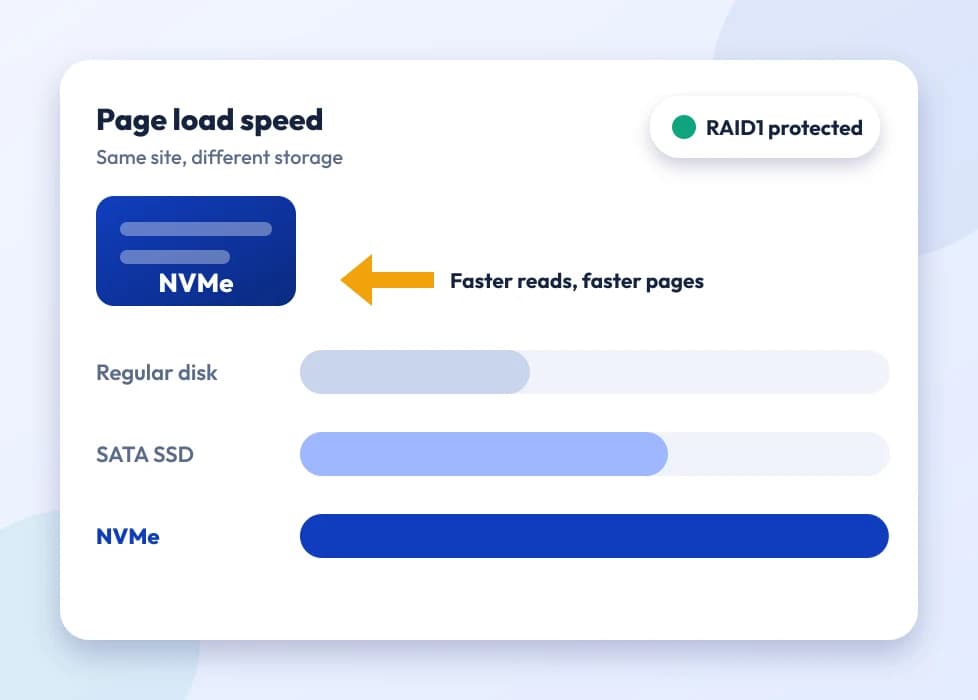
SSD on every plan, never spinning disks
Many storage-focused VPS offers move you onto hard drives once you order real capacity, because HDD is cheaper per gigabyte. Ours stay on SSD from 300 GB right up to 1.4 TB, so restoring a large backup, scanning a photo library or syncing Nextcloud does not slow to a crawl.
2 / 4
02
Root access to the whole server
Run the backup agent or storage software you already trust instead of a closed appliance with a fixed menu: rsync, restic, Borg, Nextcloud, ownCloud or anything else that installs on a standard Linux server.
3 / 4
03
Unlimited traffic under fair use
Push big backups and media in and out without a per-gigabyte transfer charge, which is how much object storage is billed. A full restore or the first sync of a large library will not turn up as an unexpected line on your invoice.
4 / 4
04
24/7 expert support
Help with choosing a size, fixing a sync job that stalls or planning how your backups rotate, on plans from £10.39/mo. Our team answers around the clock, every day of the year.
Which plan is right for me?
Pick the line that fits what you need. These are the same plans and live prices as the cards above.
Offsite backups and file sync
Storage VPS S
2 vCPU · 4 GB RAM · 300 GB SSD
£12/mo
£12.00 + 4.96% processing fee billed today for 1 month
Prices for Germany. Other billing terms and server locations are on the plan cards.
Want us to run the server for you?
Add Fully Managed support to any plan here. We set the server up, secure it, keep it updated, watch it and fix server-side problems, so you can get on with your sites and apps.
£27/month per server, added when you order. Or keep the server Unmanaged at no extra charge.
Underneath, it is the same root-access KVM server as our SSD and NVMe VPS ranges. The difference is the balance: standard tiers spread resources evenly for running applications, while Storage VPS tiers put most of the value into disk, up to 1.4 TB of SSD, for work where keeping data matters more than raw processing.
No. Every plan is SSD, including the 1.4 TB size at the top. Some providers move big storage plans onto spinning disks, which is acceptable for cold archives but slow for anything you restore or sync regularly. This range is SSD from the smallest size to the largest.
Yes, and it is one of the main reasons people order. Root access lets you install Nextcloud, ownCloud or another self-hosted sync tool yourself, on whichever size gives your team enough disk. If you would rather have the platform installed for you, we also have dedicated Nextcloud and ownCloud hosting pages.
Yes. The point of an offsite backup is that it lives somewhere other than the server it protects. A Storage VPS in another data centre, or another country, from your main server does exactly that, and leaves room for several backup generations instead of one copy overwritten each night.
Any of them. Root access lets you install the backup or sync software you already rely on, whether that is rsync over SSH, restic, Borg or a desktop backup client that accepts a generic server as its destination, just as on any Linux VPS.
Traffic is unlimited under a fair-use policy, so moving large backups or media in and out is not charged per gigabyte. Each plan does have a port speed, listed on its card, and that speed sets how quickly a single transfer can run.
Yes. You can upgrade to a larger Storage VPS tier as your data grows, in the same way as any other VPS plan. Ordering a little above what you need today usually pays off, because backup sets and archives rarely shrink.
A Storage VPS is a KVM virtual machine on shared physical hardware, with up to 1.4 TB of SSD, ready in 2 to 3 days and billed monthly like any VPS. Storage Servers are physical dedicated machines with much larger raw capacity for archives and backups at scale. If a VPS-sized amount of disk covers you, the Storage VPS is the quicker and cheaper route; if you need many terabytes, look at Storage Servers instead.
It is. A Storage VPS comes with the same root access as our SSD and NVMe VPS plans, so you choose the operating system and install any backup agent or storage software, rather than working inside a locked appliance.
Nine: London, Frankfurt, New York, Kansas City, Los Angeles, New Delhi in India, Singapore, Tokyo and Sydney. A common pattern is to run the main server in one region and keep a mirrored copy in another country, so the two never share a building or a power grid.
Object storage is usually billed per gigabyte stored plus per gigabyte downloaded, and the download charges climb quickly once you restore backups or sync a big library often. A Storage VPS has one fixed monthly price for the plan, with fair-use unlimited traffic, so a large restore does not create a surprise bill.
It is not a ready-made NAS, but with root access you can configure SFTP, NFS or a similar protocol yourself and mount it from other machines you manage. You are getting a real server to configure, not a managed storage appliance.
The same list as our other VPS ranges, including Ubuntu, Debian, AlmaLinux and Rocky Linux, plus Windows Server at checkout if your backup or storage software needs it.
Yes, that is a frequent use for the larger plans. RAW images and footage fill a hosting account quickly, and a Storage VPS gives you SSD space that grows with your client work, without paying for processor and memory that a general-purpose VPS would include.
You can, since you have root access and plenty of SSD. Bear in mind this range is designed for storage and sync, while video transcoding leans heavily on the processor. If transcoding matters more than capacity, an NVMe VPS with more cores, used alongside the storage, may suit you better.
Shared hosting space is meant for a website and its files, not for general backups or file storage, and most plans top out well below a Storage VPS. A Storage VPS is also a whole server under your control, so it handles jobs shared hosting cannot: running your own sync platform, providing storage to another machine, or keeping long-term archives on your own terms.
Some. A Storage VPS is self-managed, so installing backup tools, Nextcloud or file-sharing protocols happens at the command line. If you would prefer not to handle that, our fully managed support option can take care of setup and upkeep on the same server.
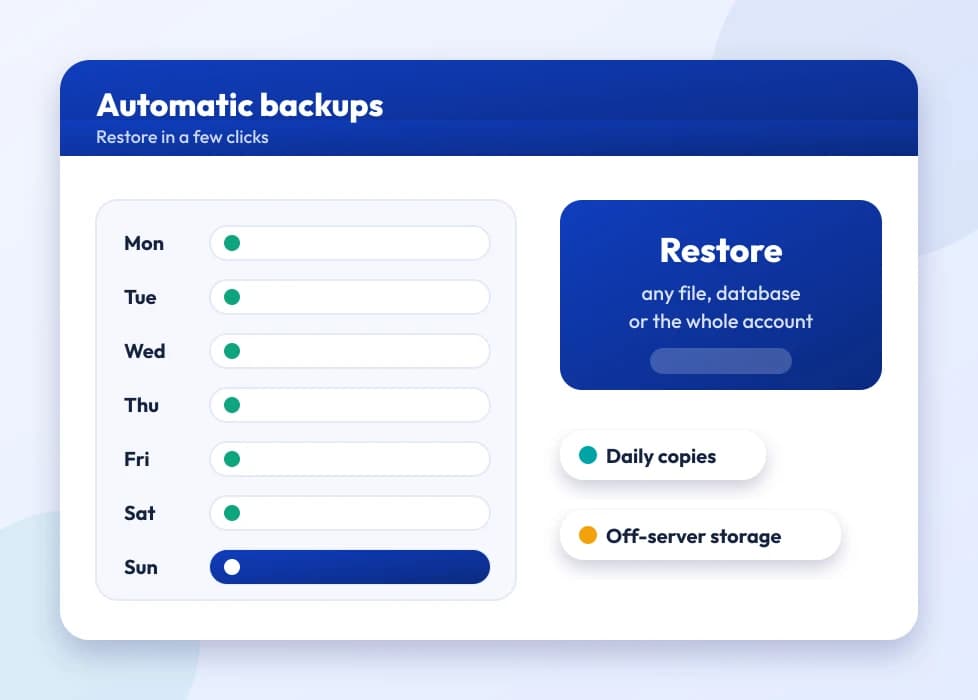
Snapshots and automated backups are paid add-ons, offered at checkout where your plan size supports them. Check the options shown in the cart for the tier you choose before you order.
No. Storage VPS is billed monthly, or on a longer cycle if you want the discount that comes with it, and there is no fixed contract. Cancelling or downgrading follows our standard billing terms.
It will run, as it is a full Linux server, but these plans trade processor and memory for disk. A busy production database with lots of writes will do better on an NVMe VPS sized for compute. Storage VPS suits databases that are mostly archived or queried now and then.
Allow 2 to 3 days from your order, the same as our SSD and NVMe VPS ranges. Setting up large storage volumes takes a little longer than a small general-purpose server.
More storage normally means moving to a bigger tier rather than growing the disk in place, because each tier's processor and memory are matched to its capacity. Our support team can suggest the smoothest way to step up as you near your limit.
There is no overage charge: traffic is unlimited under fair use, so a heavy month with a big restore or bulk sync will not produce an extra bill. The fair-use policy is there to stop genuine abuse, not normal backup and storage work.
Yes. Large-file version control, build artefacts and package repositories grow steadily and need plenty of disk, which is exactly what this range is for. With root access you can run whichever repository software you prefer.
Yes, by setting it up yourself. Root access lets you configure disk or filesystem encryption, LUKS on Linux for example. It is not switched on by default, because encryption needs vary widely between projects and compliance requirements.
Yes, and it is a sensible pairing. Keeping backups on a separate VPS from the server they protect is what makes them useful when the main server has trouble. You can also pick a different data centre for the backup server for extra distance.
Begin with the amount of data you hold now and round up, since backups, media and archives tend to grow. L is the usual middle choice for a small team's Nextcloud or a moderate backup set; XL and XXL suit larger archives, big media libraries or several years of retained records.
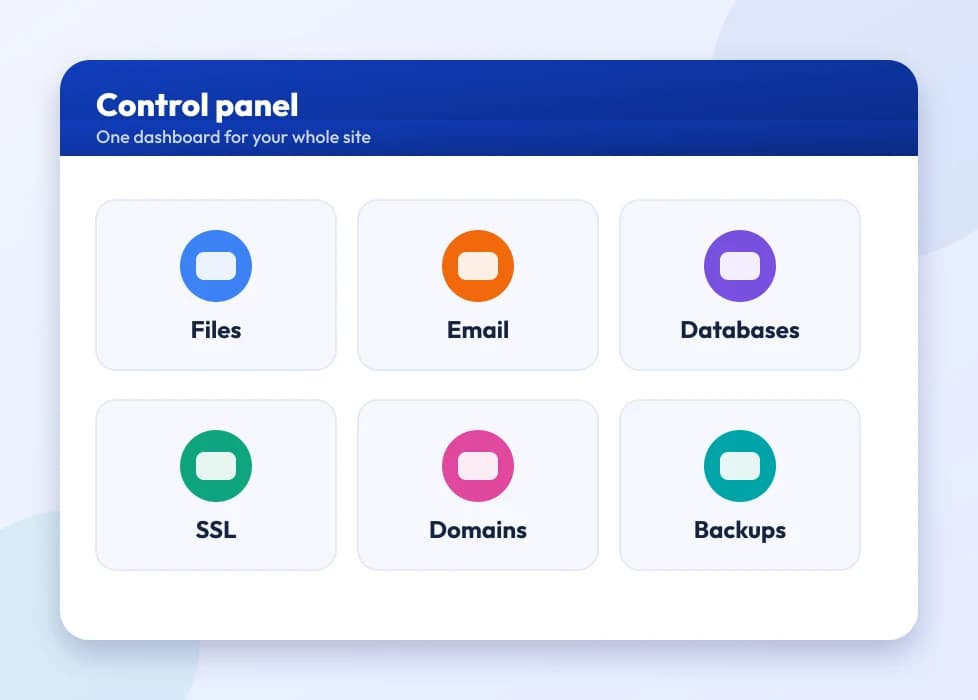
No. This is a self-managed VPS with root access, not a hosting account run through a panel. If you want a web interface for your files, installing Nextcloud or ownCloud gives you one; the VPS is simply the server beneath it.
Yes. As a full Linux server it supports multiple user accounts and SFTP logins, or you can install a platform such as Nextcloud with its own users and permissions.
It can, because you control how data is stored, encrypted and kept. The compliance responsibility stays with you, though: we supply the server and the capacity, not a compliance certificate. If you have specific rules on data location, retention periods or audit trails, make sure your server setup meets them, as you would on any infrastructure.
The price covers the server: the processor, memory, SSD and traffic for your plan, root access and 24/7 support. Tools such as rsync, restic and Nextcloud are free open-source software that you install yourself, so there is nothing extra to buy for them.
Yes, through our standard downgrade process. Because the tiers are defined by disk capacity, first make sure your data fits in the smaller plan. Support can walk you through the safest way to do it without putting your files at risk.
The plan card shows each tier's port speed, which sets how fast one large transfer can run, and the bigger tiers have faster ports. Traffic stays unlimited under fair use, so a one-off migration costs nothing extra beyond the time it takes.
No. It works the same way: monthly, or a longer term with a discount. Prices exclude Payment Gateway Processing Fees (4.96%), added at checkout. There is no separate per-gigabyte storage charge on top.
Yes. A Vaultwarden or Bitwarden server is light on resources and runs well here. The smallest plan is normally more than enough, since a password vault uses very little of the disk space this range is built around.
Yes. Storage VPS is covered by the same infrastructure monitoring as our other VPS ranges, and our engineers deal with hardware and network faults on our side. Everything inside the server, such as backup jobs or Nextcloud, is yours to monitor, as it is self-managed.
Yes. Nothing restricts an account to a single project, so an agency handling backups or file storage for several clients can order separate servers under one login, each sized to that client's data.
You pick the operating system when you order, from the Linux distributions on offer or Windows Server if you need it. Nothing is forced on you, and with root access you start from a clean server.
Still have questions?
Our support team is available 24/7 by chat, ticket and email.