
Skip to content
Hostripples

HOSTRIPPLES WEB HOSTING

Choosing Web Hosting: cPanel, Plesk, Windows or Business

A plain guide to choosing web hosting: cPanel or Plesk, Linux or Windows, shared or Business Hosting, WordPress and app hosting. 24/7 support on all plans.

Explore solutions
8Solutions
Web HostingCategory
One place

FIND YOUR FIT

All Web Hosting Solutions

5 solutions to explore

Starting prices depend on the plan, billing term and availability. See each service page for full pricing and applicable taxes.

Which Control Panel Suits Your Site?

Four angles on the list above, depending on the kind of site you run

cPanel NVMe Shared Hosting: the dependable default

If you don't know which panel you need, this is probably it. cPanel has more online guides than any other control panel, which means more tutorials, more compatible plugins and plenty of developers who already know it when you need help.
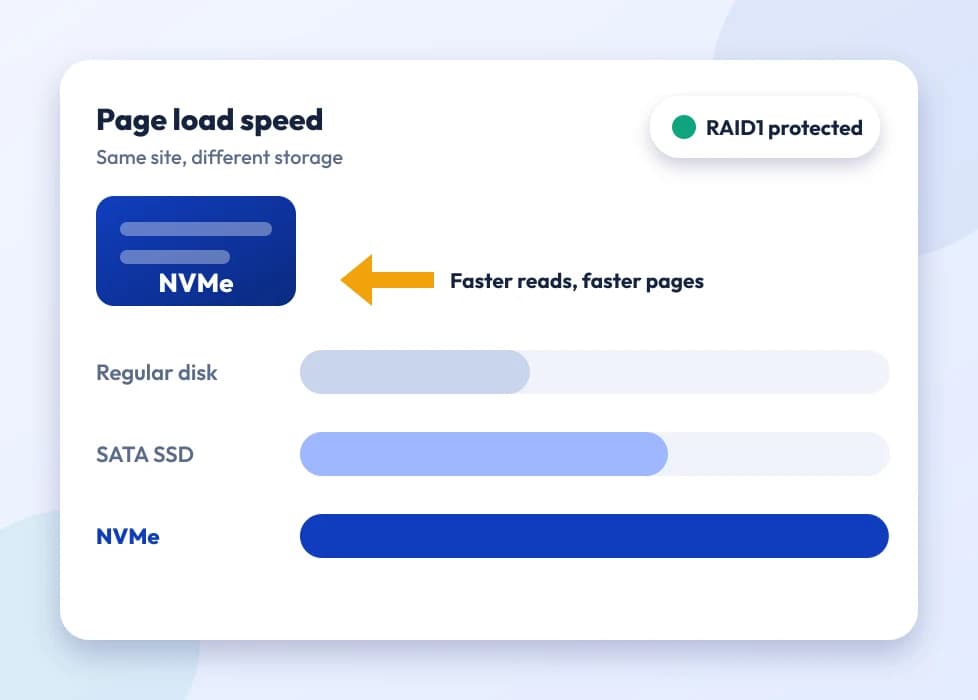
Gauge showing NVMe storage speed

Plesk Linux Hosting: stay with the panel you know

Moving a group of client sites across, or already running Plesk on other servers? You will find the familiar Plesk Obsidian screens here, WordPress Toolkit included, sitting on the same NVMe disks as the rest of our range.
Plesk Obsidian home screen with hosting shortcuts

Plesk Windows Hosting: the home for .NET sites

PHP is not the only option. Sites written in ASP.NET, apps that rely on MSSQL and anything a .NET developer has handed you belong on Windows Hosting with Plesk, the one plan in this list built to run them natively.
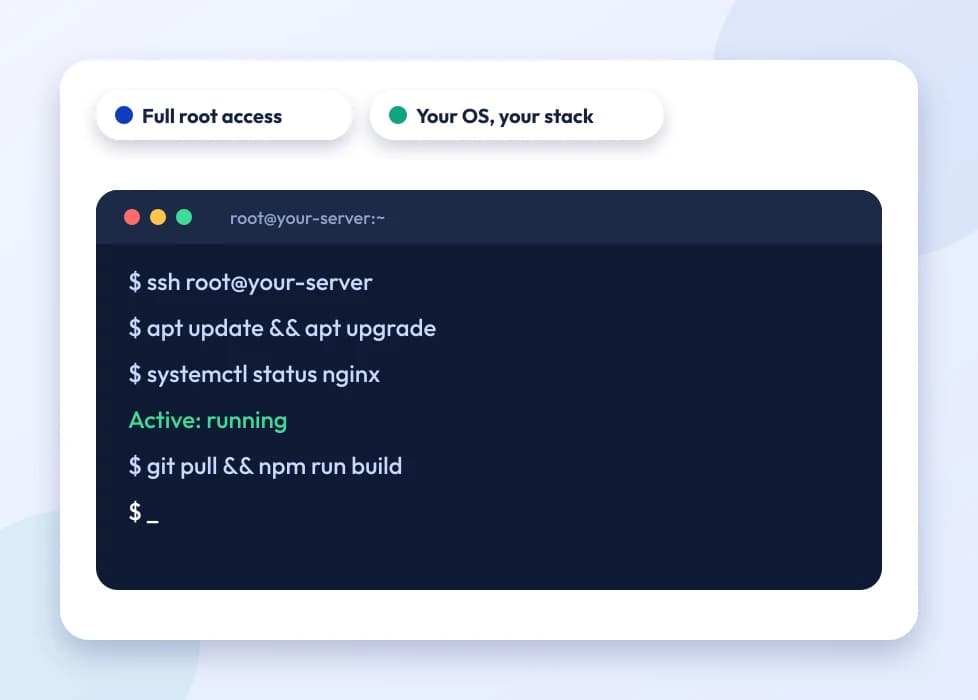
Terminal window representing Windows application hosting

Business Hosting: breathing room short of a VPS

For a site that has outgrown basic shared hosting but is not ready to run its own VPS, Business Hosting adds noticeably more CPU, memory and I/O, plus a free domain for the first term and priority support, while we still manage the server.
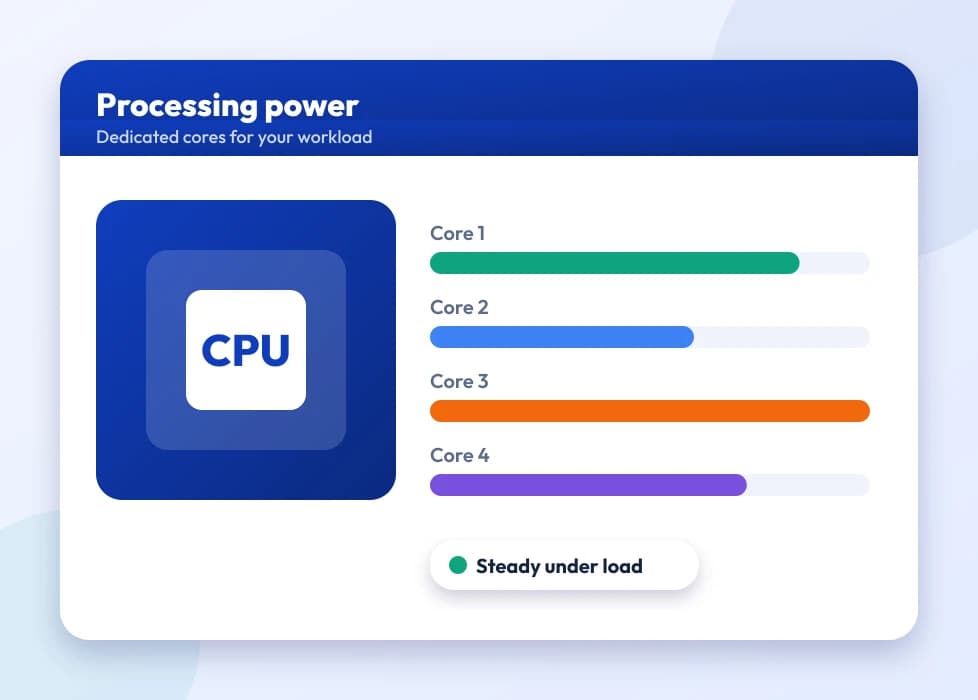
Dial showing extra CPU and memory headroom
WordPress Hosting and Application Hosting sit next to these four as specialist versions of the same NVMe and LiteSpeed platform. The questions below explain how each differs from standard cPanel hosting.

How to Choose the Right Hosting Plan

Web hosting sounds like a single product until you start shopping, and then you are comparing cPanel with Plesk, Linux with Windows, and a row of providers all promising "unlimited" everything. There is no single best plan. There is a best plan for what your site needs to do, and three questions usually find it.

1. What is your site built with?

If it runs on PHP, which covers WordPress, most content management systems and most agency-built sites, you want Linux hosting: cPanel NVMe Shared Hosting or Plesk Linux Hosting. If it uses ASP.NET or needs MSSQL, choose Plesk Windows Hosting, which runs PHP as well if your projects are mixed.

2. Which panel do you already know?

cPanel is the most widely documented panel and the easiest place to start. If you or your developer already work in Plesk, stay with it: the Plesk plans include the full Plesk Obsidian interface and WordPress Toolkit.

3. How busy is the site?

Most new and small business sites are comfortable on shared hosting. When pages slow down at normal traffic levels, not just at peaks, or you keep hitting resource limits, Business Hosting gives you more CPU, memory and I/O while we keep managing the server. After that, a VPS is the next step.

The same platform underneath

Every plan here runs on NVMe storage and the LiteSpeed web server, so the entry plan is not a slower product. Free SSL is installed automatically on every plan, and backups run daily. For UK and Irish visitors, our shared hosting is served from Europe. Prices are shown in pounds and exclude Payment Gateway Processing Fees (4.96%), added at checkout.

Which Plan Fits Which Project?

Choose the plan for the project, not the project for the plan

Every product here sits on the same NVMe and LiteSpeed platform. What changes is the control panel, the amount of headroom and the tools on top, which really comes down to who logs in and what they are building.

A first website or a small business

Want hosting for a small business without a steep learning curve? Most people choose cPanel NVMe Shared Hosting: a familiar panel, one-click installs and pricing set for a first site rather than a server room.

Developers and agencies

Client projects rarely stick to one technology. Plesk Linux and Plesk Windows Hosting run PHP, ASP.NET and MSSQL on the same NVMe infrastructure, so the panel fits the project rather than the reverse.

Bloggers and WordPress publishers

WordPress Hosting adds WordPress Toolkit, LiteSpeed Cache and one-click staging to the same NVMe platform: hosting shaped around one CMS rather than general hosting stretched to fit it.

Growing shops and busy brands

If a shared plan feels cramped during a sale or a sudden surge, Business Hosting brings extra CPU, memory and I/O, along with a domain free for the first term, while sparing you the server administration of a VPS.

Got Questions?

Web Hosting Questions

cPanel or Plesk, Linux or Windows, and what sits between them

It provides the server space and software that keep your site available at your domain around the clock. The plan you choose affects how quickly pages load, which control panel you use and how much room you have before busy periods start to slow things down.
Each panel handles websites, mailboxes, databases and certificates well. Choosing usually comes down to familiarity, yours or your developer's, and to the operating system: cPanel lives on Linux only, whereas Plesk works on Linux and Windows, and that is why Plesk powers our Windows plan.
A small firm going online for the first time is usually best served by cPanel NVMe Shared Hosting, which costs less and covers what a typical brochure site or small shop needs. Business Hosting earns its place once things get busy: more visitors, more mailboxes, or a checkout that cannot afford to lag in a sale.
That depends on what sits behind the price. A cheap plan on old spinning disks and a crowded server struggles as soon as real visitors arrive. Every plan on this page, the entry plan included, uses the same NVMe storage and LiteSpeed setup as the top tiers, so a lower price here does not mean a slower product.
Sites written in PHP, which includes WordPress, most CMS platforms and most agency builds, need Linux hosting: cPanel or Plesk Linux. Sites written in ASP.NET, or relying on an MSSQL database, need Plesk Windows Hosting, which runs PHP too if your code is mixed.
Compared with SATA SSDs, NVMe drives move data far more quickly, and database-driven sites such as WordPress, WooCommerce or anything building pages on the fly benefit the most. You get it on every plan listed here, the entry cPanel tier included.
LiteSpeed is the program that answers visitors' requests, taking the place of Apache or Nginx. Its own cache, LSCache, makes WordPress and WooCommerce pages noticeably quicker, so there is no need for an extra caching plugin trying to do the same thing.
Yes, though both will run WordPress. WordPress Hosting comes with WordPress Toolkit for one-click staging, cloning and updates, and with LiteSpeed Cache already tuned for WordPress. Ordinary cPanel hosting handles WordPress happily too; you simply set up those extras yourself.
It centres on the Softaculous installer, which puts 377 web applications, among them content management systems, shops, forums and CRMs, one click away on the cPanel NVMe platform behind our standard shared hosting. It is meant for people running something other than a plain WordPress site.
It depends on the plan and tier. Entry plans are usually designed for one main site, while higher tiers allow several domains in one account. The specs and live prices on each product page show the exact limit.
Yes. Every plan on this page comes with a free SSL certificate installed automatically, so HTTPS works from the first day without buying anything or raising a ticket.
Look at the renewal figure on the plan before you order. Several of our hosting and reseller products keep your signup price at renewal, unless the cart shows a first-term discount, and that is worth knowing if an attractive first year is what drew you in.
First-time customers on shared and business plans, which covers cPanel, Plesk and Application Hosting, can ask for a refund within 30 days. Full conditions are set out in our Refund Policy.
Yes. Moving to a bigger plan as traffic builds is routine, so there is no need to predict the future perfectly. Plenty of customers begin small and upgrade once their numbers show it is time.
Yes. For eligible plans our team brings your files, databases and email over from your old host at no extra charge, so you are not juggling a manual move while keeping the site online.
Shared and WordPress hosting for our UK customers runs from Europe. Several plans are also offered from Mumbai in India, Poland, Canada and Singapore if a large part of your audience is in one of those regions.
It is. Both panels let you create mailboxes, set up forwarders and filter spam, all covered by the price of the hosting plan.
JetBackup runs daily automated backups on our hosting plans, so you always have a recent restore point without setting anything up or remembering to run it.
Yes, for most small and medium shops. WooCommerce and similar platforms perform well on NVMe and LiteSpeed. Once orders and visitors outgrow what shared hosting copes with, Business Hosting or a VPS is the next move, but you don't need either on launch day.
They share the Plesk panel but run on different operating systems with different application support. Plesk Linux Hosting runs PHP, MySQL and the usual open-source software; Plesk Windows Hosting adds ASP.NET and MSSQL for sites and applications built for Windows and .NET.
Yes. ASP.NET only runs on Windows. Our Plesk Windows Hosting plan handles ASP.NET and MSSQL alongside PHP, so mixed code is fine, whereas a PHP-only Linux plan simply cannot run ASP.NET.
For UK customers our cPanel NVMe hosting runs from Europe, with other locations available, including Mumbai in India, Poland, Canada and Singapore, if they suit your audience better.
Softaculous on Application Hosting offers 377 applications, including content management systems, blogging tools, shops, forums, CRMs and learning platforms, each installed in one click without uploading files or creating a database by hand.
Start with what your site is built in, since PHP or ASP.NET decides Linux or Windows, then think about how much traffic you really expect, which decides shared or Business Hosting. If you are still unsure, our support team can talk it through with you rather than leaving you to guess from spec sheets.
Yes. Business Hosting includes a free domain for the first term, as well as more CPU, memory and I/O than standard shared hosting. The domain then renews at the normal domain price.
It depends on the tier. Entry plans are usually sized for one main WordPress site, and higher tiers allow several. WordPress Toolkit makes looking after more than one installation much easier.
Our support team works 24/7 through live chat and tickets, helping with anything from a control panel question to a real server fault, not just questions before you buy.
Every plan here uses the same NVMe storage and LiteSpeed software, so a lightly used site loads at a similar speed on any of them. The difference appears under load: the extra CPU, memory and I/O on higher tiers keeps performance steady as traffic, database size or application complexity grows.
The free SSL with your hosting covers the domain it was issued for. To protect several domains or subdomains with one certificate, choose a Wildcard or Multi-Domain certificate from our SSL Certificates range, which installs on any of these plans.
On shared hosting, including Business Hosting, we manage the server and you share its resources with other accounts, with allowances generous enough that most sites never notice. A VPS gives you your own resources and root access, along with the job of running the server, which is worth it only when your needs call for it.
Yes, on Plesk Windows Hosting, because Plesk does not limit you to one language. That helps if you look after a mix of client sites and don't want two separate hosting accounts.
Common signs are pages that load slowly at normal traffic, not just at peaks, hitting resource limits regularly rather than now and then, or needing server settings that shared hosting does not let you change. Try Business Hosting first; a VPS comes after that.
Yes. At checkout you can register a new name or transfer one you already own alongside any hosting plan, and Business Hosting includes a domain free for its first term. With domain and hosting in the same account, DNS and email are easier to set up than across two providers.
Yes. cPanel and Plesk both let you set the PHP version for each site from the panel, which helps when an older application needs one version and a newer one needs another in the same account.
Every plan includes FTP for uploading and managing files. SSH depends on the plan and panel and is more common on the higher tiers and Business Hosting; check the feature list for the plan, or ask support if your workflow relies on it.
Every hosting server is monitored, and the NVMe and LiteSpeed setup is the same on every tier, so the entry plan does not run on lesser or less closely watched hardware than Business Hosting.
Yes. Both panels have a cron scheduler for running scripts on a timetable, such as clearing caches, sending scheduled emails or routine maintenance, and you set it up in the panel without needing server access.
WordPress Hosting includes one-click staging through WordPress Toolkit, so you can try plugin updates or design changes on a copy before they go live. Plesk plans offer the same through WordPress Toolkit where it is installed; on standard cPanel hosting you would normally set up a staging subdomain yourself.
Yes. HTTP/2 is switched on by default across our hosting and works with LiteSpeed to cut page load times, especially on pages that load many images, scripts and stylesheets.
Billing periods vary by plan. Some plans are best value on longer annual or three-year terms, as is common in the industry, but shorter periods are usually offered too. Each product page's price table shows the periods available.
Yes. Your site's data is hosted in the data centre location of the plan you choose, which matters to businesses with data location preferences or compliance needs. Check the location on the plan before you order.
Then a VPS or dedicated server becomes worth the extra management work. Business Hosting is meant as the last fully managed shared step before that move, not a ceiling to stay under.
Yes. Server-level malware scanning and firewall protection run across our hosting by default, along with account isolation so one compromised account on a shared server cannot easily affect the others. The free SSL handles encryption, which is a separate layer from malware protection.
Usually, yes. The JetBackup screen in cPanel and Plesk lets you browse and restore recent backups yourself in most cases, and our support team can step in for anything more complicated or urgent.
As with most hosting, plans have a file count (inode) allowance linked to the resource tier. It mainly affects sites with huge numbers of small files, such as a large email archive or an application that caches heavily. A typical business site rarely comes near it, but check if your project stores a lot of files.
Not with a simple switch, because the two panels store settings differently, so it is really a migration. Our team can help move a site's files, databases and email from cPanel to Plesk, or the other way, if your needs change, so you are not rebuilding it by hand.

Want to see your shortlisted plans side by side?

Tick Compare on the plans you like, then check their prices, terms and specs next to each other.

Compare Hosting Plans